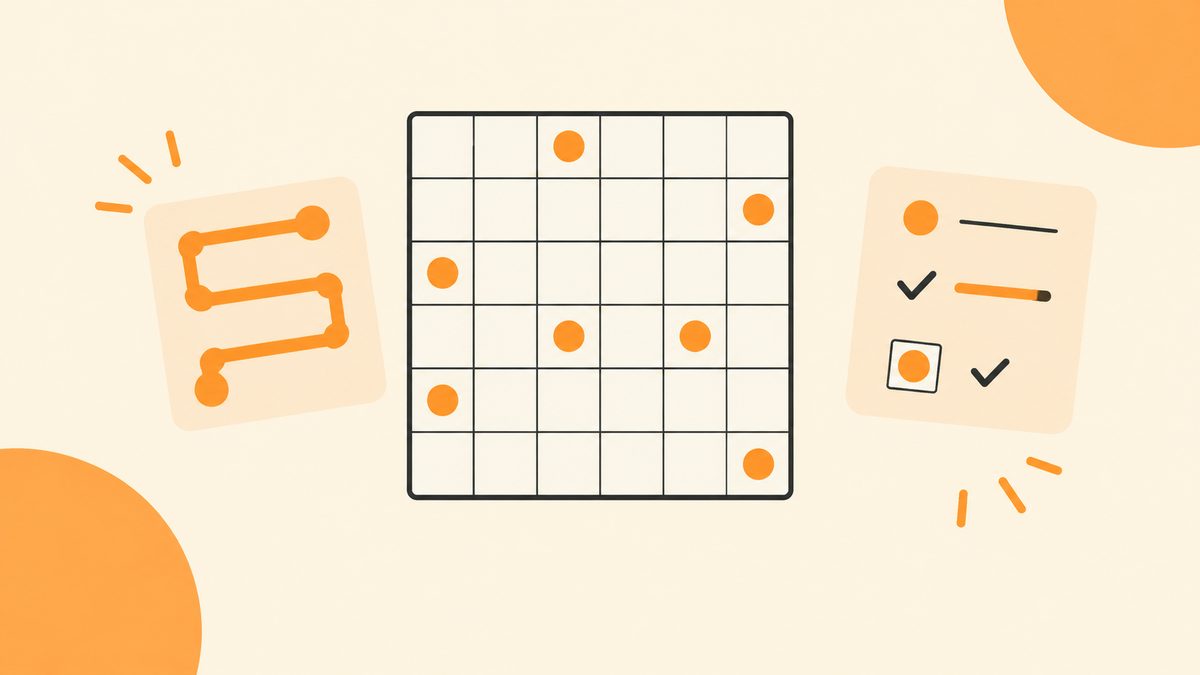
Zip is a single continuous line. You start at 1, pass the numbered cells in order, and snake through every last square — without ever crossing a wall. It sounds free-form, but the whole game is about not painting yourself into a corner.
Most logic puzzles hand you a grid and ask you to fill it. Zip asks you to draw. There are no numbers to add and no symbols to balance, just a line that grows as you drag. The trick is that the line has to visit every cell on its way, and once a cell is visited it's done — you can't loop back.
If you like puzzles where you can see the whole shape forming, Zip is the one. It's also the easiest to make a mess of: one short cut that boxes off an empty cell, and the rest of the board becomes unsolvable. This guide shows you how to spot that before it happens.
What Is Zip?
A Zip board is a grid of squares with a few numbered dots on it. The dots run 1, 2, 3, up to some final number. You draw one unbroken line that starts at dot 1, visits the dots in order (1 then 2 then 3 and so on), and ends at the last dot. Along the way, the line must pass through every single square on the board.
Some edges between squares have a thick dark bar drawn on them. That's a wall. The line can't cross it. Walls are what make the puzzle interesting: they block the straight route and force the line to wind.
Each daily board has exactly one solution. It's free, no account, and a fresh daily drops at 00:00 UTC. Want more? Unlimited generates a new board on demand.
The Rules and the Controls
Three rules, no exceptions.
- The line starts at 1 and must pass the numbered cells in order — you can't reach 3 before you've reached 2.
- The line must visit every cell on the board, exactly once.
- The line cannot cross a wall.
Controls are just as simple. You drag from the head of the line — the growing end — and each square you touch gets added to the path. If you overshoot or take a wrong turn, you don't need a separate undo button: drag the line back toward where you started, or tap an earlier cell, and the path rewinds to that point. This matters, because rewinding fast is how you recover from a dead end instead of staring at it.
Walkthrough: Start at 1 and Detour Around the Wall
On this board, dot 1 sits top-left. Dot 2 is three squares to its right. The obvious thing is to walk across the top row and step straight into 2. Don't. Look at the wall: it blocks the edge between the second and third squares in the top row, so a straight top-row crossing isn't allowed anyway.
Step 1 — Drop down instead of across
Start at 1 and move one square right to the edge of the wall. Now you can't continue right, so the only useful move is down. Take the line down into the row below. This is the detour: you're going to reach dot 2 from underneath it, not from its left.
Step 2 — Reach 2 from underneath
From that lower square, walk across the row below until you're directly under dot 2, then step up into it. You've now visited dot 2, and you did it without crossing the wall. Notice what you avoided: if you'd forced the top row, the squares under it would have been left stranded with no way in.
Why Every Cell Has to Be Visited — and How to Catch a Dead End Early
Here's the part new players miss. Passing the numbered dots in order isn't enough. The line has to sweep up every cell, including the unnumbered ones in the middle of the board. A path that connects 1→2→3 but leaves two squares untouched is wrong, even though it "hit all the numbers."
The habit that saves you: after every few steps, glance at the board and look for cells you're about to box in. A cell becomes a problem when all but one of its neighboring cells are already visited or blocked by walls — because the line has to enter and leave it, and a dead-end cell with only one open neighbor can only be entered, never exited, except at the very end of the whole path.
So when you see an empty cell with just one open way in, treat it as urgent: either the path goes through it now, or it's the final cell. If it's neither, you've already made a wrong turn. Drag back to the last junction and choose the other way. This is why fast rewinding matters — you undo the detour, not your whole attempt.
Work from both ends when the middle feels stuck
Once the start and a few waypoints are fixed, you can also reason backward from the last number. The final cell has to be a place the path can finish — meaning it has exactly one open neighbor left when you arrive. If the end number sits in a corner, that corner is likely your exit, and the path should wind toward it rather than away from it. You don't have to draw the line from left to right. Knowing where it has to end quietly rules out half the routes you'd otherwise try.
Another habit that pays off: keep the corners for last unless a wall pushes you there. A corner cell only has two neighbors, so once the path passes through it, both neighbors are consumed. Corners are where cells get stranded fastest, which is exactly why you check them while there's still room to react.
One last habit: don't speed through the early cells. The first few steps set the whole shape of the line. If you take a wrong turn at the start, you'll spend longer rewinding than you would have spent pausing and checking the next junction. Slow down while the board is open, and the rest of the line tends to fall into place.
Common Mistakes
Drawing the shortest route between numbers
Connecting 1 to 2 by the nearest path feels efficient, but it skips cells. Zip rewards the long way around, because the detour is what collects the unnumbered squares. Aim to sweep, not to connect.
Ignoring walls until the line hits one
Walls should be read first, before you drag a single step. A wall tells you exactly where the line can't go, which quietly decides the shape of your whole route. If you only notice a wall when your line bumps into it, you'll rewind far more often.
Leaving a lone cell stranded
The classic fail: finish what looks like a complete line, then spot one empty square cut off from everything. That cell had one open neighbor, and you walked past it. Check for nearly-sealed cells as you go, not at the end.
FAQ
Do I have to visit every cell?
Yes. The line must pass through every square on the board, even the ones with no number on them.
Can the line cross itself?
No. It's one unbroken path through each cell once, so it can't loop back over itself or reuse a square.
What are the thick dark bars?
Walls. The line can't cross them. They block the direct route and force the detours that make the puzzle solvable in exactly one way.
How do I undo a wrong turn?
Drag the head of the line back toward the start, or tap an earlier cell. The path rewinds to that point, and you can take the other branch.
How is a new daily board released?
One per day, same for everyone, resetting at 00:00 UTC. Unlimited mode gives you fresh boards on demand, and the Archive replays past dailies.
Is Zip free to play?
Yes. No account and no install; your progress stays in the browser, and it works offline once opened.
Play Zip
Free, no account · a new daily puzzle every day.